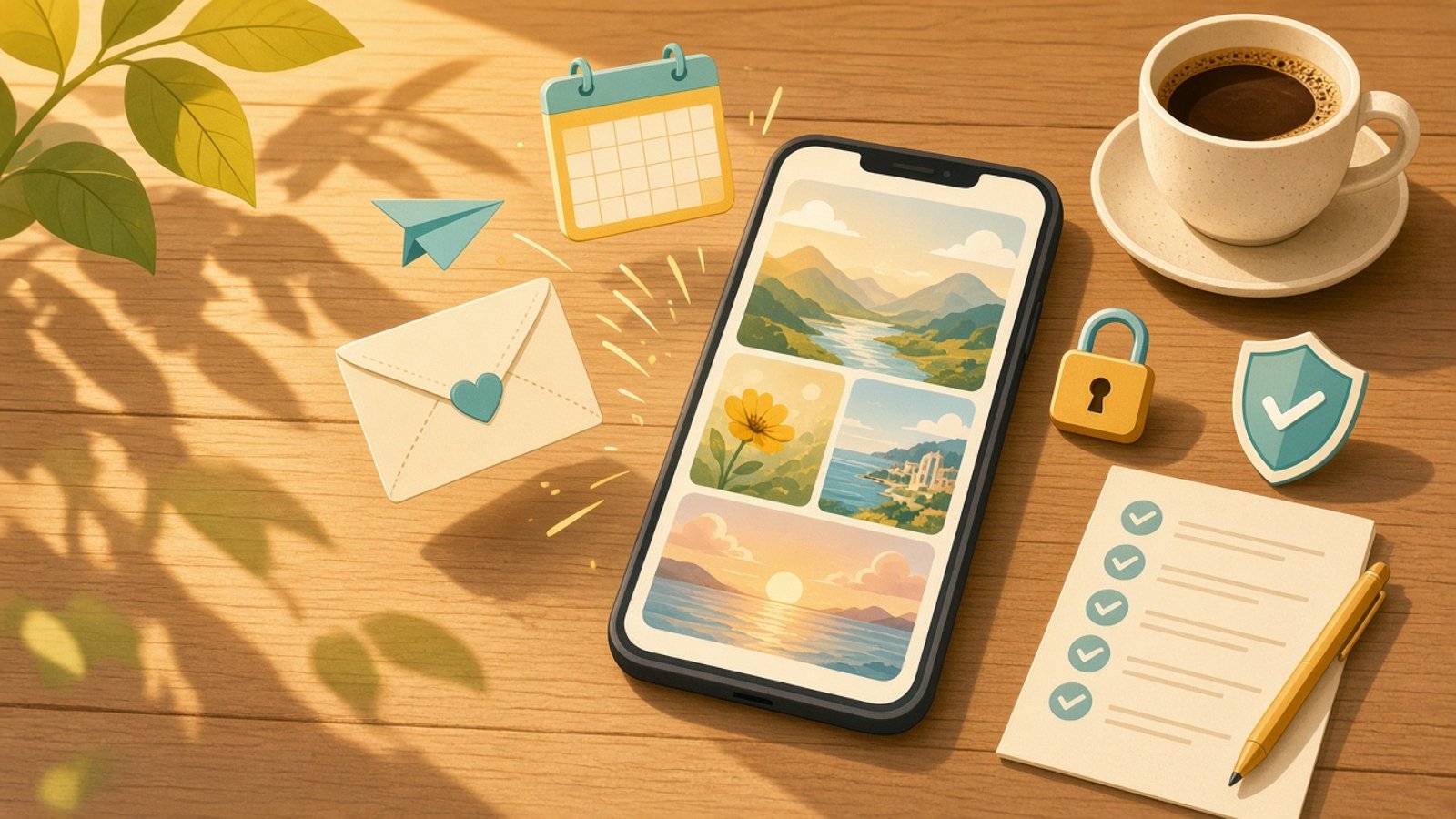
Short answer: Dreambeans is an experimental Google Labs app, now in India for people 18 and over, that creates illustrated daily stories from the Google apps you connect, such as Gmail, Photos, Calendar and YouTube. It can be fun, but before you connect anything, ask what it reads, who else is in your photos, and how to disconnect and delete your data.
What Dreambeans is
On 3 November 2026, Google announced that Dreambeans, "an experimental app from Google Labs that creates personalized daily story collections," is now available to people in India aged 18 and above.
Google says the app "brews your stories using information from the Google apps you select, including Calendar, Gemini, Gmail, Photos, Search, and YouTube." It is on Android and iOS in 14 languages, including Hindi, Tamil, Telugu, Bengali, Marathi, Kannada and Malayalam.
According to TechCrunch, India is Dreambeans' first market outside the US. The app generates illustrated stories "without requiring them to enter a prompt," and Google recently added animation for some stories using its Veo video model. Google product manager Gozde Oznur said India stood out for its high overlap of users across Gemini, Gmail and Google Photos.
One limit for Indian users: you can pick only one language at a time, and stories cannot mix languages. So no Tanglish or Hinglish stories for now.
Why this deserves a pause
Think about what lives in your Gmail. Bank alerts. OTP emails. Medical reports. School messages about your children. Office threads, if you use personal mail for work. Your Photos library has your family, your friends, and people who never agreed to be part of an AI story.
TechCrunch notes that these services "can contain sensitive personal information that some users may not want to share with an AI app just to receive personalized content." Oznur also acknowledged that Dreambeans could generate stories involving people who have died. That is a real emotional risk, not just a technical one.
My take: cute apps deserve serious questions
I am not saying don't try it. I am saying the cuter the app, the more likely we are to tap "Allow" without thinking. A story app feels harmless. But the permission you give is to your email and photos, not to a cartoon.
So before you connect, run through this checklist. I use the same thinking in my guide on whether your ChatGPT and Claude chats are private.
The 5-question checklist before you connect
- What exactly will it read? You choose which Google apps to connect. Start with the least sensitive, such as YouTube or Search, before you even consider Gmail. Ask yourself: would I be comfortable if this app read every email I have?
- Who else is in my photos? Your parents, your children, your friends. They did not sign up. If your Photos has lots of other people, think twice before connecting it.
- What do I want it to avoid? According to Oznur, you can tell Dreambeans to avoid certain subjects, such as work-related information, and it will "try" to adjust. Set this up on day one: health, money, work, loss.
- How do I turn it off? Oznur told TechCrunch that you can disconnect services at any time. Find that setting before you need it.
- How do I delete my data? You can delete your Dreambeans data from within the app, and Oznur said data deleted from the connected service is also removed from Dreambeans' personalisation. Know where that button is.
Bonus: stories are visible only to you, Google says. But once you share a story, it is out of your hands. Check what is in it before you hit share.
Who should be extra careful
- If you use personal Gmail for work. Dreambeans is for personal Gmail accounts, not enterprise ones, but many professionals in India mix the two.
- If you share a phone or Google account with family. One account can hold many people's lives.
- If you have had a recent loss. Consider leaving Photos disconnected, or set the app to avoid those memories.
Frequently asked questions
What is Google Dreambeans?
It is an experimental app from Google Labs that creates personalised daily story collections using information from the Google apps you select, including Calendar, Gemini, Gmail, Photos, Search and YouTube. It is available on Android and iOS.
Is Dreambeans available in Tamil and Hindi?
Yes. Google says Dreambeans is available in 14 languages, including Hindi, Tamil, Bengali, Telugu, Marathi and others. TechCrunch reports you can pick only one language at a time and stories cannot mix languages.
Can I disconnect Gmail or delete my Dreambeans data?
According to Google product manager Gozde Oznur, quoted by TechCrunch, you can choose which services to connect, disconnect them at any time, and delete your Dreambeans data from within the app.
Who can see my Dreambeans stories?
Google told TechCrunch that generated stories are visible only to the account holder. Shared stories are a different matter, so check before you share one.
---
Want to use AI apps confidently without giving away more than you mean to? At The Arthi AI Collective, we teach everyday professionals, parents and learners to use AI safely and smartly. Explore the programs.
Arthi Rajendran, The Arthi AI Collective