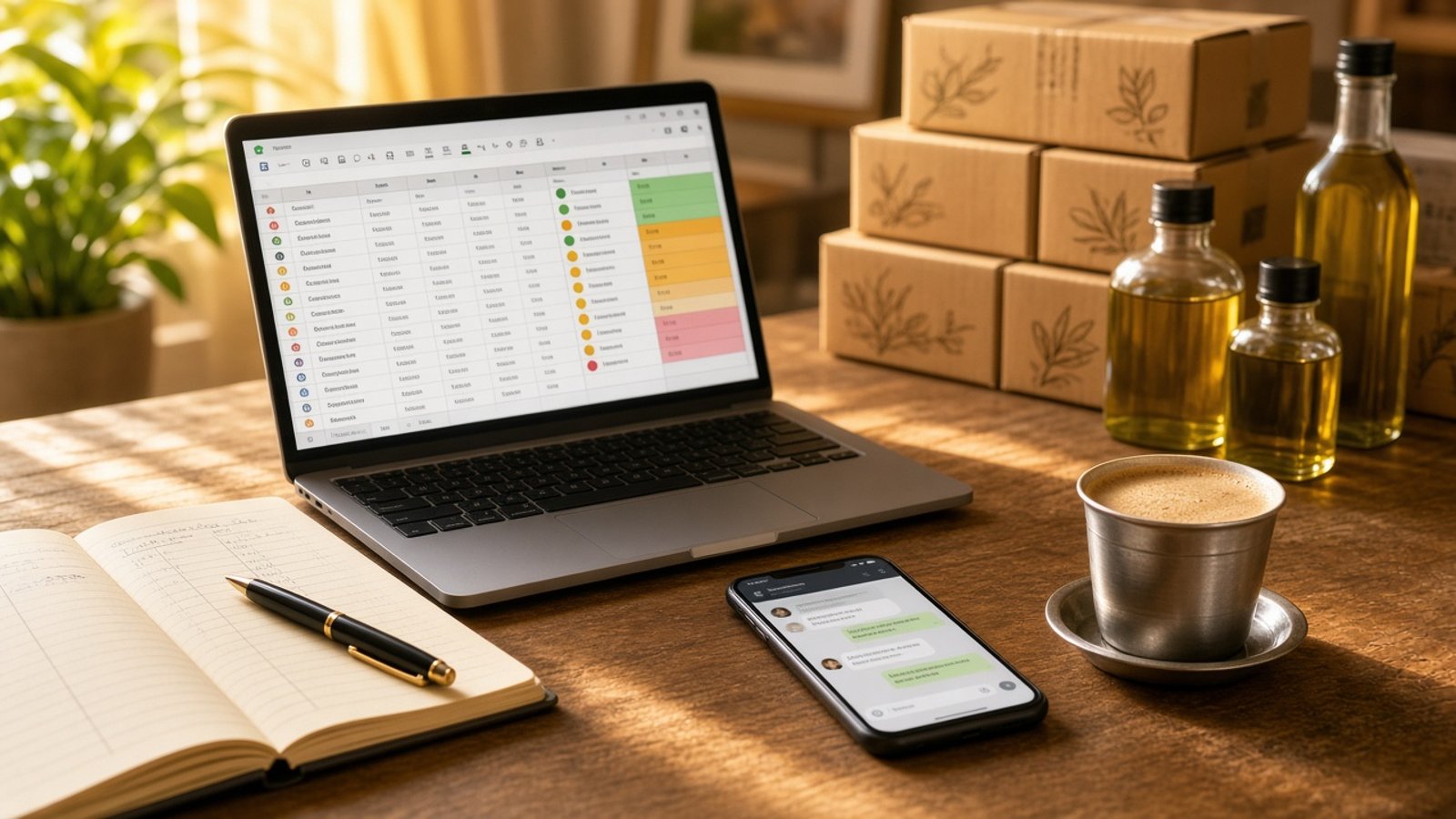
Recently a business owner from a family-run FMCG company asked me the question I hear in almost every discovery call. He understood that AI could automate a lot, but he was not sure which parts of his own business to automate, or where to begin.
He had a team, but no dedicated IT person. He wanted to track sales and finances better and stop losing track of conversations with distributors and retailers. What he did not have was a starting point.
That is the real problem for most small businesses in India. The tools are not the hard part anymore. Knowing what to automate first is.
Here is the way I help business owners decide.
Step 1: Do a workflow audit before you touch any tool
Before anyone opens ChatGPT or signs up for an automation app, we write down how the work actually happens today. Not how it should happen. How it happens.
For one week, ask yourself and your team:
- Which tasks do we repeat every day or every week?
- Where do we copy the same numbers from one sheet or app to another?
- Which follow-ups do we forget because they live in someone's head or phone?
- Where do customer complaints, orders or payment reminders get lost?
Write each task in a simple list with three columns: what the task is, who does it, and roughly how long it takes each week.
This list is your roadmap. It also tells you something just as important: what should stay manual.
Step 2: Sort tasks into "automate", "assist" and "keep human"
Not everything that can be automated should be.
- Automate: tasks that follow clear rules and repeat often. Calculations, data entry, reminders, renewals, logging.
- Assist: tasks where AI can prepare the work but a person decides. Drafting a reply to a distributor, summarising a week of sales, flagging an unusual order.
- Keep human: final pricing, negotiations, credit decisions, quality sign-off and sensitive customer conversations.
Start with one task from the first group that eats the most hours. One workflow done end to end teaches you more than five half-built experiments.
Two real examples of what "automate first" looks like
These are examples I share with business owners from work I have done.
A steel-processing business. Every day, the team reconciled raw material going in with finished product coming out. They did it manually, across several versions of Excel files, and the calculations could take hours, sometimes days. We pulled the data from the system they already used to record materials, automated the calculations, and set up flags for any mismatch between input and output. Now the team only looks at the exceptions instead of recalculating everything from scratch.
A hot chocolate brand. This brand supplies quick commerce apps and hotel chains. Their pain was follow-ups. Partner renewals every six months or a year, trial follow-ups and new leads were all tracked by memory. Over eight weeks we automated tracking of partner interactions, renewal reminders and lead follow-ups. Customer complaints were logged in the CRM and linked to the batch they came from, so a pattern of complaints from one batch could be flagged for testing.
Notice what both have in common. Neither started with "let's use AI". Both started with one painful, repetitive process and a clear rule for what "wrong" looks like.
Step 3: Use the tools you already have
You do not need to buy a big new software system to start. Most small businesses already run on a few tools, and AI works best when it connects them.
- Google Sheets. If your Google account has Gemini in Sheets, you can describe a tracker in plain English (for example, "distributor follow-up tracker with name, last contact date, next follow-up and status") and Gemini builds the table. On eligible plans, the
=AI()function can also categorise or summarise rows for you, such as sorting complaints by type. - WhatsApp Business. The free app already has simple automation. Greeting messages go out automatically when a customer messages you for the first time or after 14 days, away messages can reply outside business hours, and quick replies let your team send saved answers to common questions with a shortcut.
- Your accounting or CRM software. Whatever you use to record sales and stock is usually the source of truth. The automation should read from it, not replace it.
- An AI assistant like ChatGPT, Claude or Gemini. This is your helper for writing formulas, drafting messages and building small automations step by step. If you are unsure which one to pay for, read my guide on which AI tool you should pay for.
If your team keeps asking the same questions about policies, prices or client instructions, a document chatbot is often a quick win. I explain three ways to build one in how to build an AI chatbot from your own documents.
Step 4: Build it yourself, one week at a time
This is the part people underestimate. In my experience, one end-to-end automation usually takes around eight weeks when the owner or a team member builds it with guidance. That sounds long, but here is where the time actually goes:
- Weeks 1 to 2: map the process, clean up the data, agree on the rules.
- Weeks 3 to 6: build, test with real data, fix what breaks.
- Weeks 7 to 8: train the team, handle the exceptions, and decide what to automate next.
I always recommend that someone inside the business builds it, not an outside vendor who disappears after handover. When your process changes (and it will), you want someone who knows how to change the automation too.
Step 5: Protect your business data
Sales figures, distributor margins and customer phone numbers are sensitive. Before you paste them into any AI tool, check how that tool uses your data, and prefer a paid business plan your team controls for anything confidential. My guide on keeping your data private in ChatGPT, Claude and Gemini walks through the settings to check.
Where to start this week
Take one hour this week and write your task list. Circle the one task that is repetitive, rule based and eats the most hours. That is your first automation.
If you want a personalised workflow audit and someone to guide you while you build it, without needing an IT team, that is exactly what my 1:1 AI Business Automation Program is for. You can see all my programs here.